
The Kanban pull system, explained simply (WIP limits & signals)
Published May 24, 2026
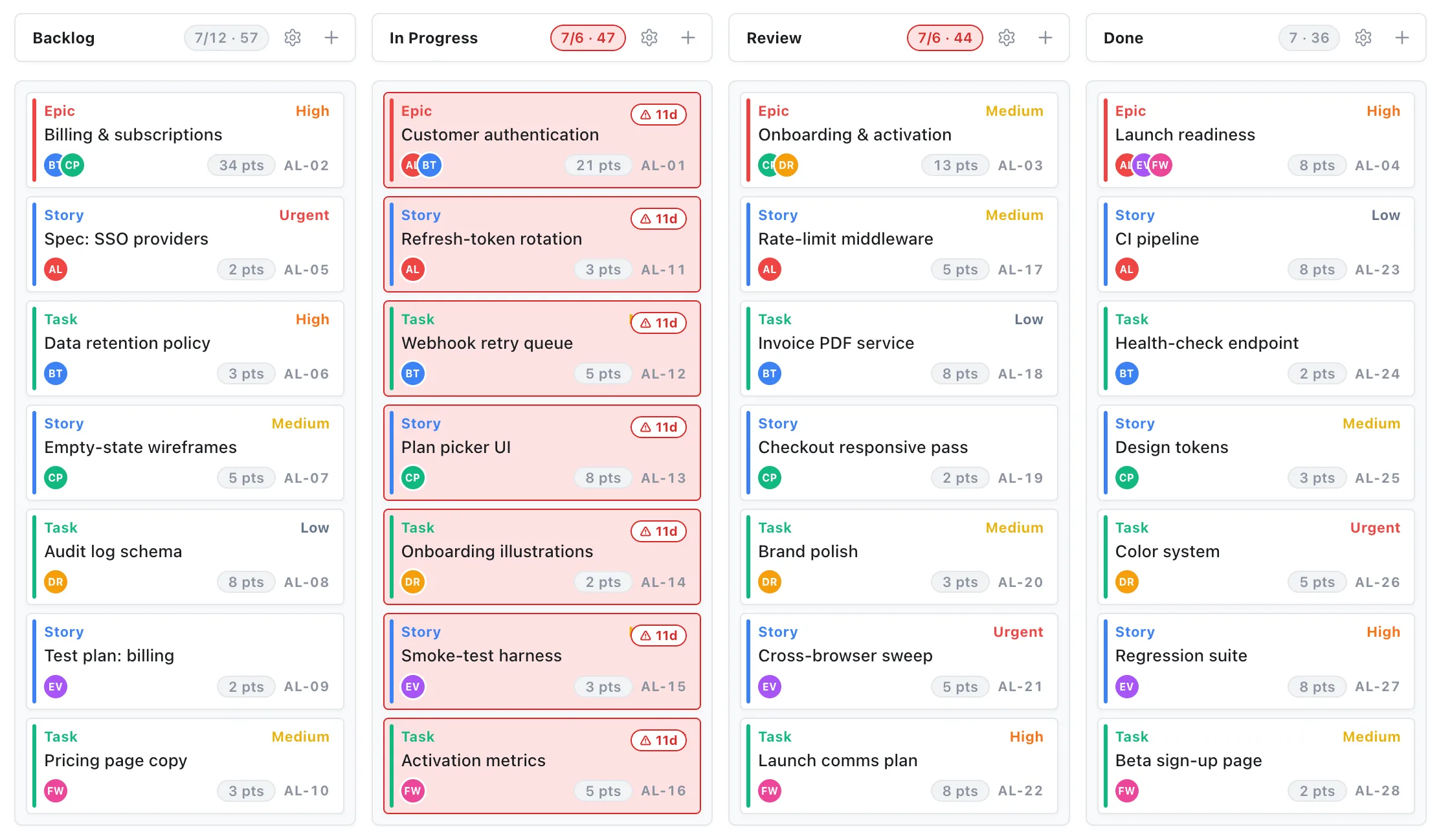
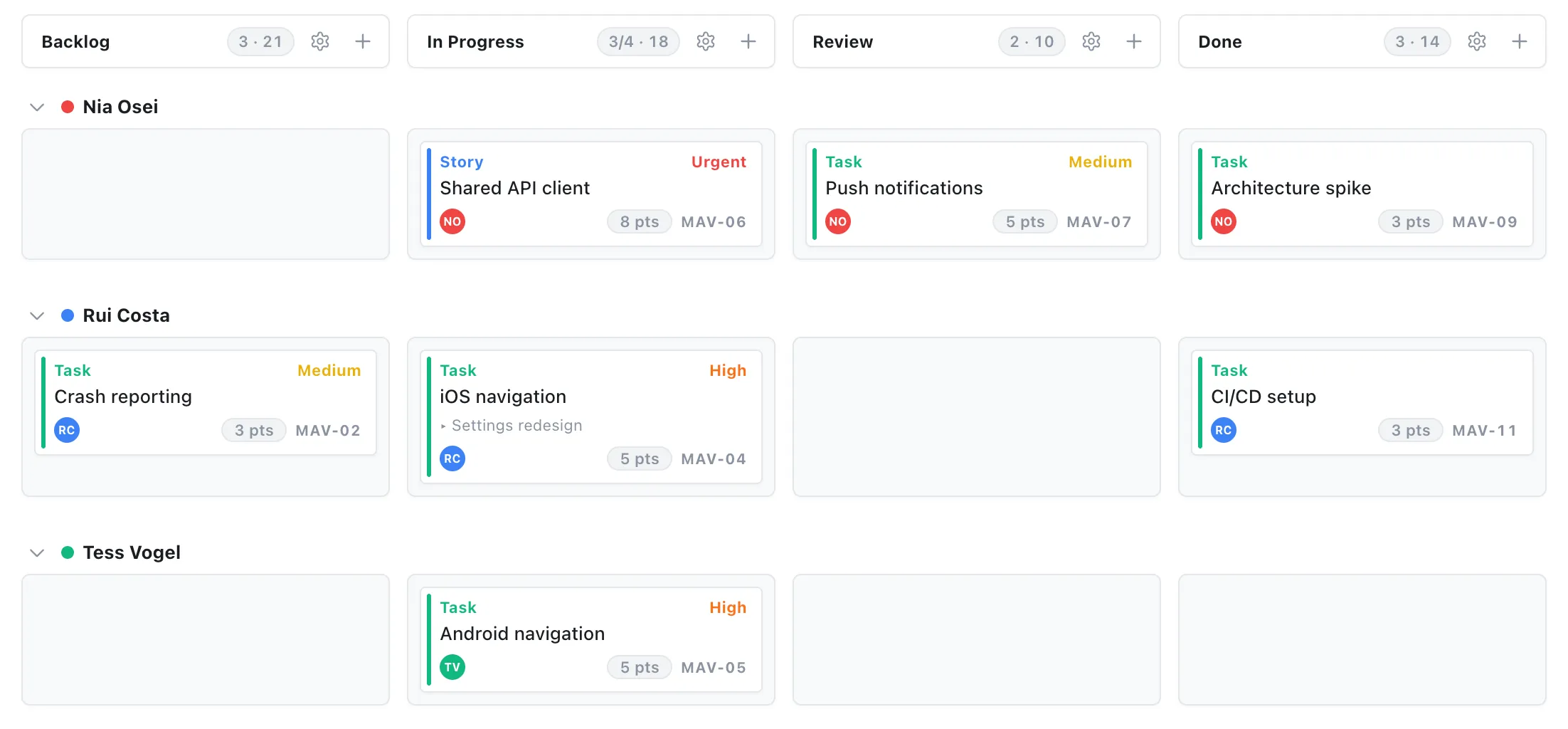
“Kanban” gets thrown around to mean “a board with columns.” That’s the visible part, but it misses the engine underneath: a pull system. Understanding the pull part is what turns a pretty board into a tool that actually controls flow.
Here’s the whole idea in plain English.
Push vs. pull
Most teams push work: tasks get assigned based on a forecast or a plan, whether or not the person is ready for more. Pushed work piles up. People start five things and finish none.
A pull system flips it. New work starts only when there’s real downstream capacity for it. Nothing moves forward until the next stage is actually ready to take it. (“Kanban” means sign or signal in Japanese, the system runs on visual signals, not forecasts.)
Three mechanics make it work:
- Demand-driven. A task moves into a stage only when that stage has room, pulled by capacity, not pushed by a schedule.
- Visual signals. When a card leaves a column, the empty slot is the signal that the previous stage can send the next item. The board itself tells everyone what to do next.
- WIP limits. Each stage has a cap on how many items it can hold at once. Work advances only when an open slot appears.
Why WIP limits are the whole point
Work-in-progress limits feel restrictive the first week and liberating after that. By capping each column, you force the team to finish before they start. A column that’s over its limit is a visible bottleneck, a place where work is piling up faster than it’s clearing.
A good board makes the limit impossible to ignore: when “In Progress” goes over its cap, the column turns red. That’s the signal to stop pulling new work and help clear what’s stuck, not to start a sixth thing.
How to run one without overthinking it
You don’t need a Lean certification. Start here:
- Give each “doing” column a WIP limit. A small team can start with a limit of 1–2 per person.
- When a column hits its cap, swarm, don’t start. Finish or unblock something before pulling more.
- Watch for cards that sit too long, aging is its own signal that something’s stuck.
- Adjust the limits as you learn your real throughput. Lower is usually better than you think.
That’s the entire system: pull instead of push, let the board signal the next move, and cap work-in-progress so things finish.
In EverGantt, Kanban columns have built-in WIP limits and age warnings, and the same plan flips to a Gantt chart or a list whenever you need it. Free to try in your browser.
Start free. Related: the project features small teams actually use.
Frequently asked questions
What is a Kanban pull system?
A system where new work starts only when there's real downstream capacity for it. Nothing moves forward until the next stage is ready to take it, work is pulled by capacity, not pushed by a forecast.
What are WIP limits and why do they matter?
Work-in-progress limits cap how many items a stage can hold at once, forcing the team to finish before they start. A column over its limit is a visible bottleneck, the signal to swarm and clear work, not to start something new.
How do you start running a Kanban pull system?
Give each 'doing' column a WIP limit (a small team can start with 1–2 per person), swarm instead of starting new work when a column hits its cap, watch for aging cards, and adjust the limits as you learn your real throughput.