
Why your team keeps falling back to the spreadsheet
Published May 7, 2026
You rolled out a real project management tool. Six weeks later, half the team is quietly back in a spreadsheet, a Slack thread, and a private to-do list. It’s tempting to read that as a discipline problem. It isn’t.
Shadow spreadsheets are a signal, not a sin. People route around the official tool when updating it is slower than the work itself.
What the spreadsheet is actually telling you
A spreadsheet wins for one reason: it’s fast to change. Click a cell, type, done. The moment your “real” tool requires opening a task, expanding a panel, filling three mandatory fields, and clicking Save twice, the spreadsheet quietly becomes the place where the real status lives.
So when you see the fallback happening, ask the diagnostic question that actually matters:
What does updating this feel like 40 times a day?
Demos never show that. They show dashboards and rollups for the buying committee. But adoption lives or dies on the 40-times-a-day moment.
Three things that stop the fallback
The best rollouts I’ve seen do the same three things:
- Minimize mandatory fields. Every required field is a tax on every update. Make almost everything optional.
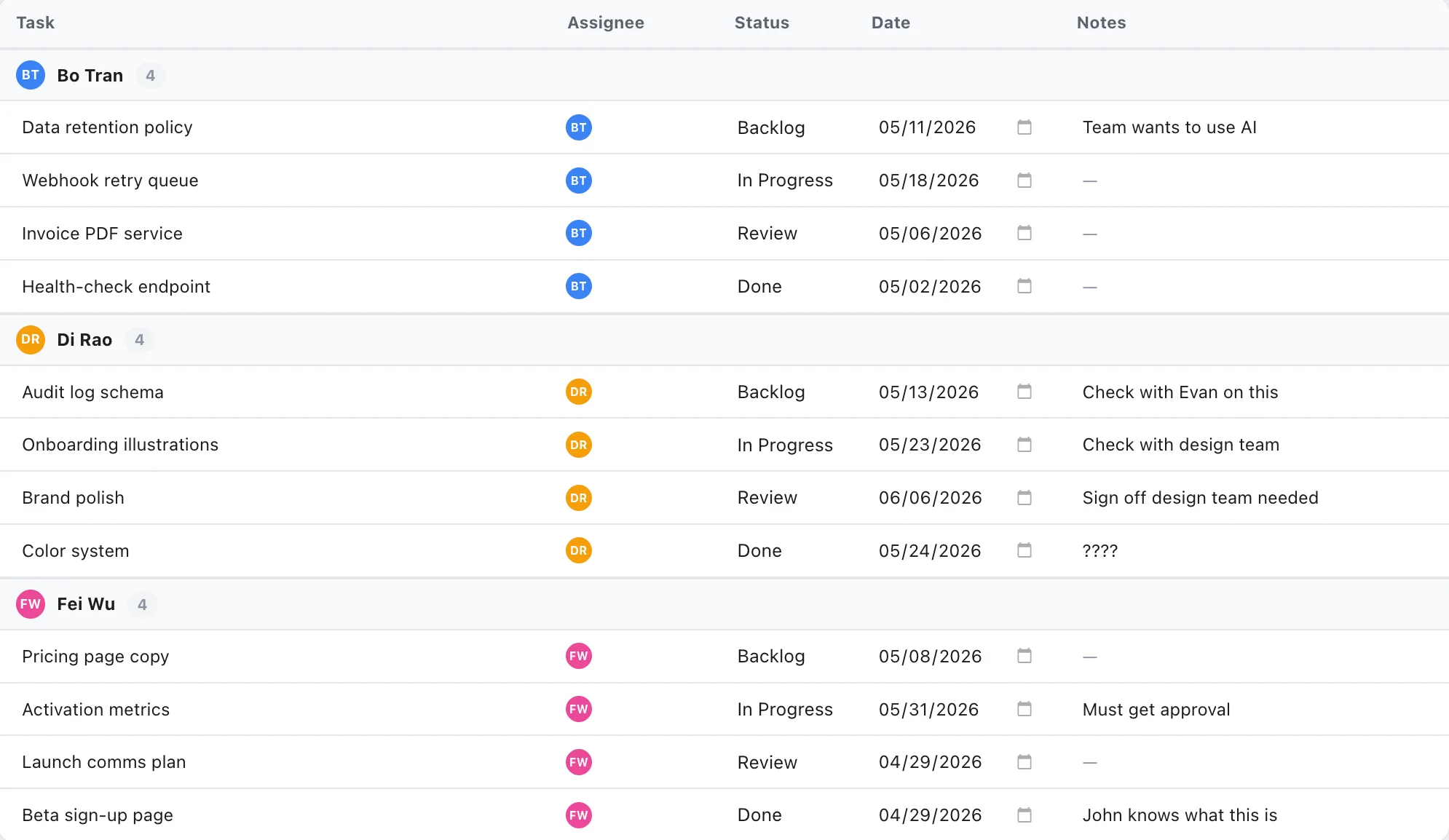
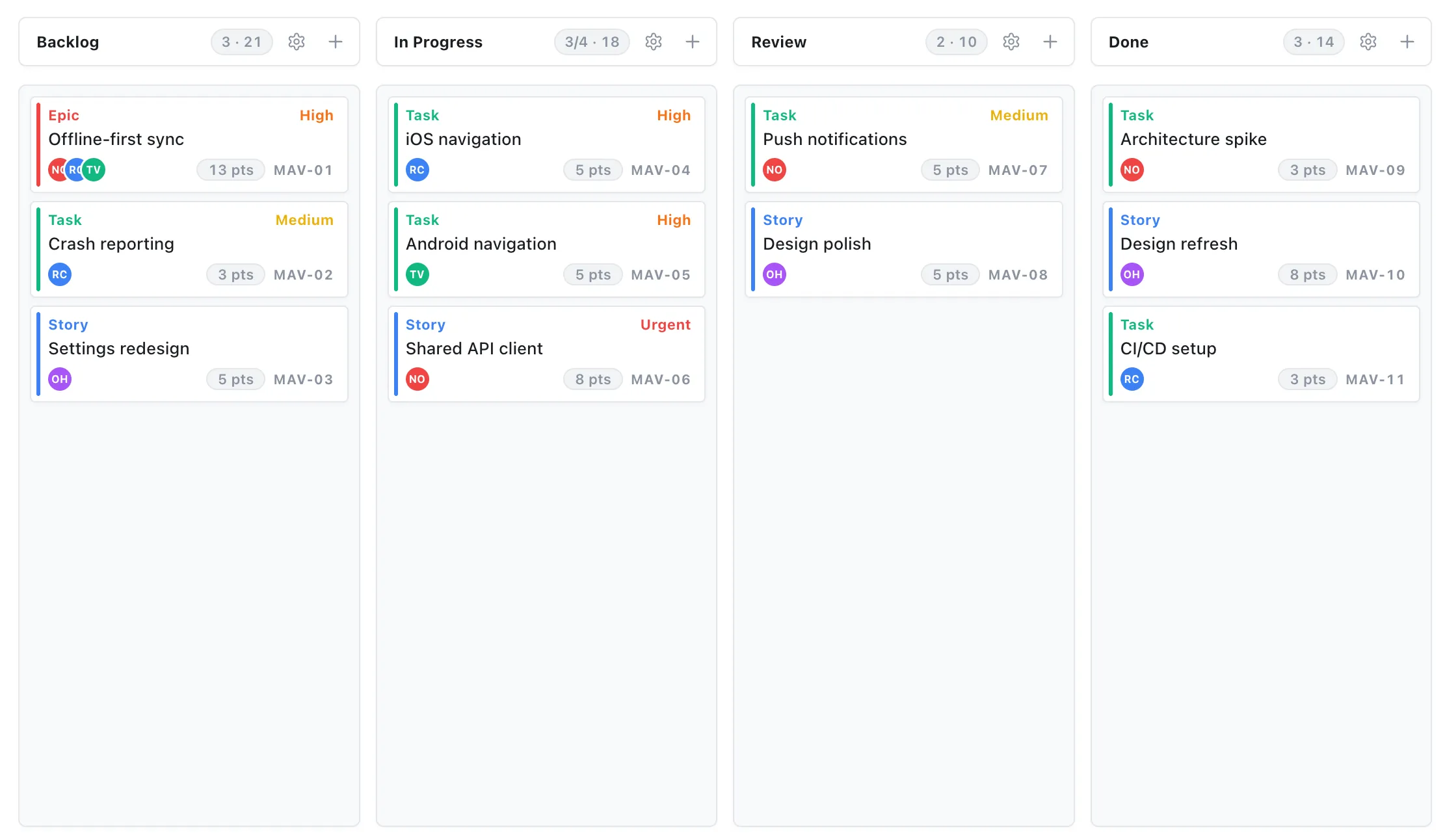
- Let people work the way they think. A list person should get a list; a board person should get a board, of the same plan.
- Keep the plan and reality one click apart. If status is a drag, not a form, people keep it current.
“Make them stop” is the wrong goal
You can’t mandate your way out of this. If the tool is heavier than the work, people will always find a lighter path, that’s rational. The fix is to make the official plan the lightest path: faster to update than the spreadsheet, and showing them something the spreadsheet can’t (who’s overloaded, what’s blocked, what moves if this date slips).
EverGantt is built around that 40-times-a-day moment. Editing a task is inline. Switching between a list, a board, and the timeline is one click, same data underneath. There’s no separate “update the system” ritual, because updating is the work.
If your team keeps drifting back to the spreadsheet, don’t fight it. Out-fast it.
Start free in your browser. Related: you’re not short a tool, you’re short a single source of truth.
Frequently asked questions
Why do teams keep falling back to spreadsheets for project management?
Because spreadsheets are fast to change, click, type, done. When the official tool requires opening a task, expanding panels, and filling mandatory fields, the spreadsheet quietly becomes where the real status lives. It's a signal the tool is too slow to update, not a discipline problem.
How do you stop a team from reverting to shadow spreadsheets?
Make the official plan the lightest path: minimize mandatory fields, let people work as a list or a board of the same plan, and keep status one click away. You can't mandate your way out, you out-fast the spreadsheet.
Are shadow spreadsheets a sign of bad team discipline?
No. People route around a tool when updating it is slower than the work itself. It's rational behavior, and a useful diagnostic signal about how much friction the tool adds.