What a realistic marketing plan timeline looks like
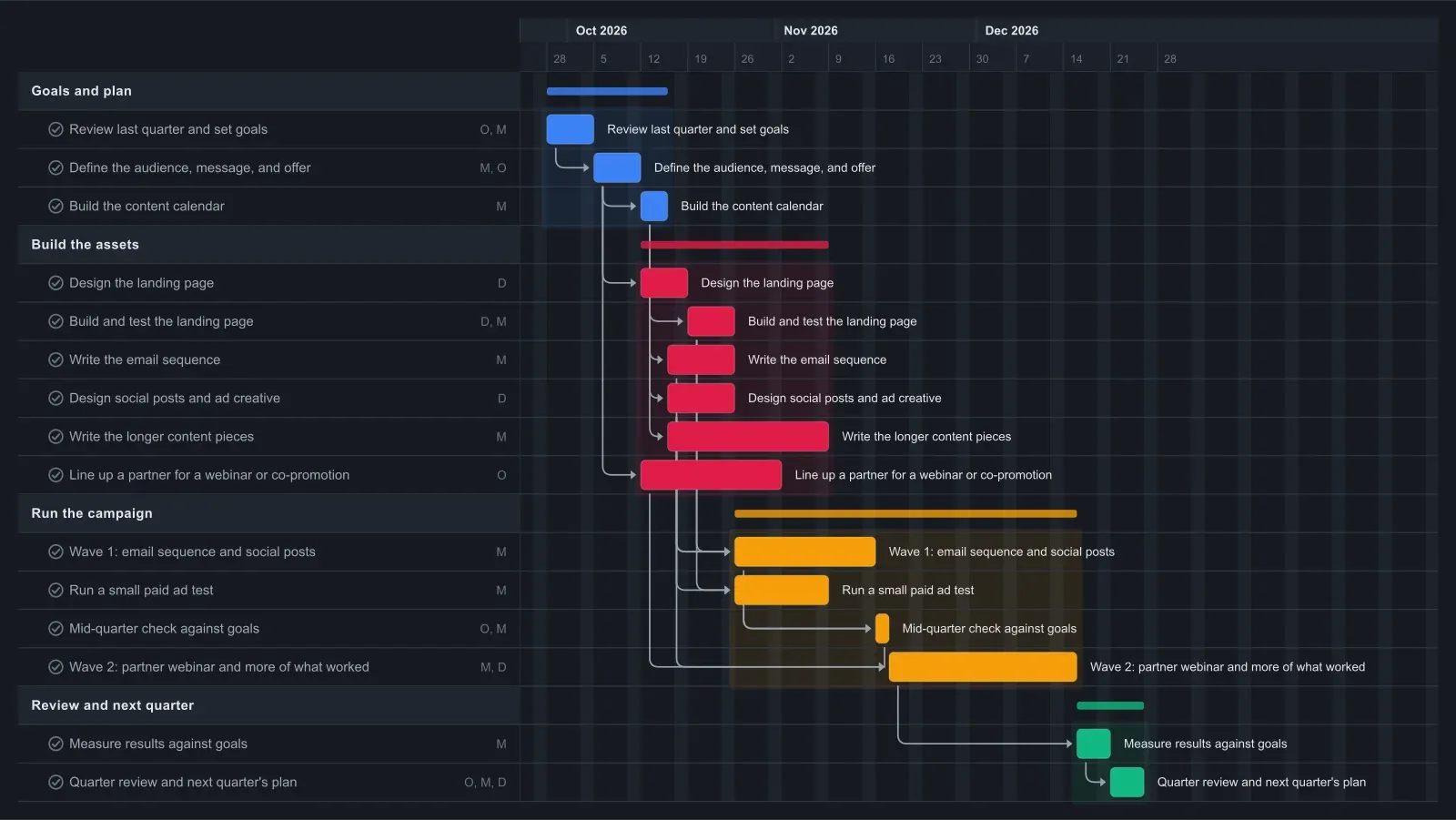
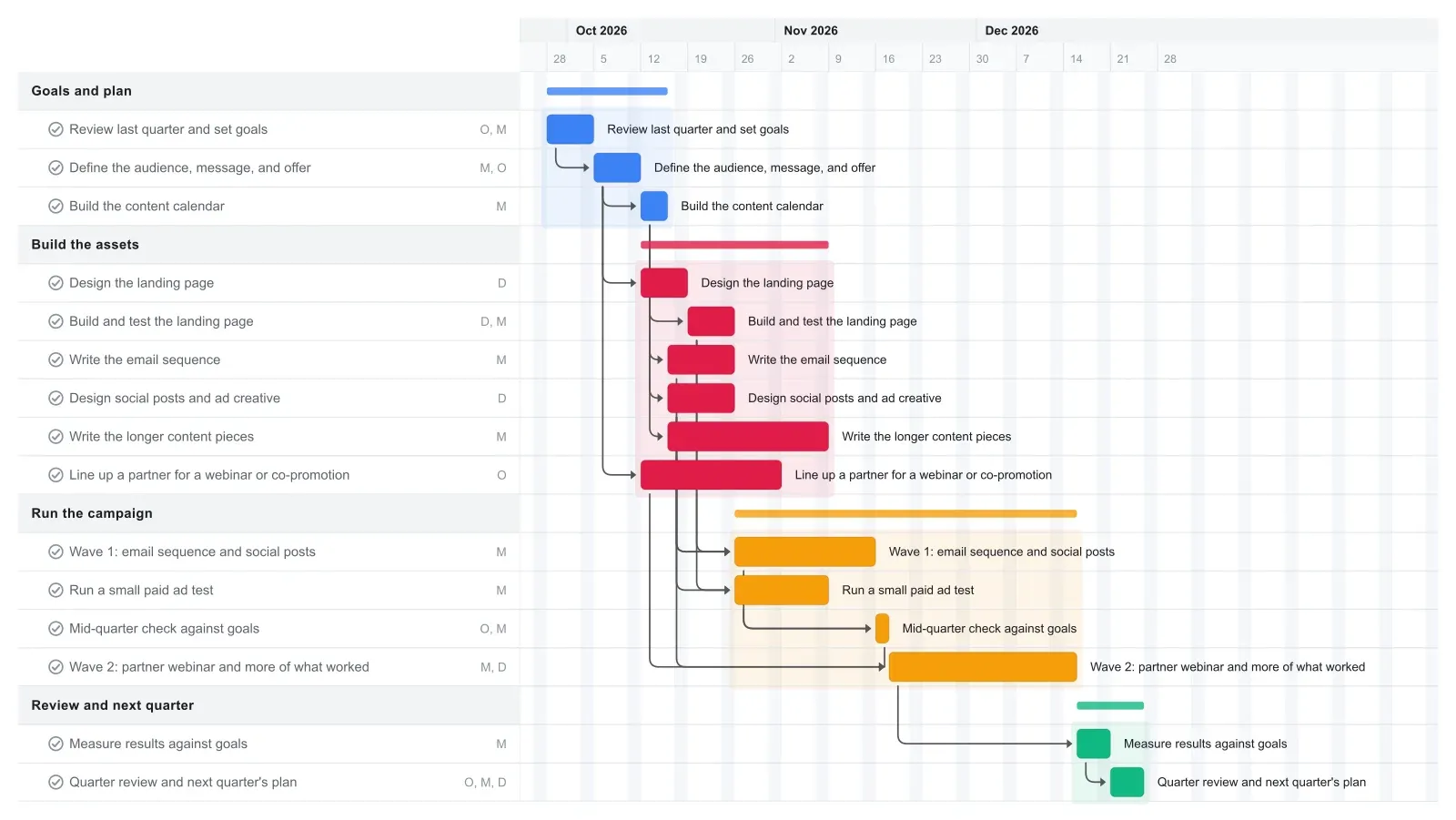
A quarter is about 13 weeks, and this marketing plan Gantt chart uses all of them. The first four weeks set goals and build what the campaign needs. The campaign runs from week 5 into week 12, and the last week and a half goes to results and next quarter's plan.
Weeks 1 and 2 are for deciding: last quarter's numbers, one or two goals, who you're talking to, and what you're offering them. The landing page, email sequence, and social and ad creative get built in weeks 3 and 4, so wave 1 starts on the Monday of week 5. The longer content pieces keep going through week 6 and feed wave 2.
A two-day check at the start of week 8 compares early numbers with the goals. Wave 2 then runs four weeks with a partner webinar and more of whatever worked in wave 1. To keep everyone on one plan, share the chart instead of a status report.
How to adapt this marketing plan to your quarter
Delete the channels you won't use; stretch a bar and the linked tasks move later with it. With no ad budget this quarter, delete the paid test, and the mid-quarter check waits only on wave 1. If no partner is lined up, rename that task for a local event, a guest post, or a newsletter swap, or delete it.
If one person does all the marketing, reassign the Design tasks to Marketing and look at weeks 3 and 4, where the email sequence, the content pieces, and the creative run side by side. Stretching the email and creative bars pushes wave 1 later, so you see what it costs before you commit to it.
If the quarter is built around one launch, start from the product launch template and add the campaign waves after launch day. For a steady quarter with no launch, this template fits as it is: drag the first task to your quarter's first Monday and the linked dates move later with it.
Make it yours
Drag the first task to your real start date and everything linked to it moves along. Rename the roles to your people, then export a PNG, PDF, or SVG when you need to share it. No template fits? Start from a blank plan with the project schedule maker. Saving to the cloud starts at Pro; sharing with teammates is on Team and Business.