
Project management software with nothing to download (2026)
Published June 2, 2026
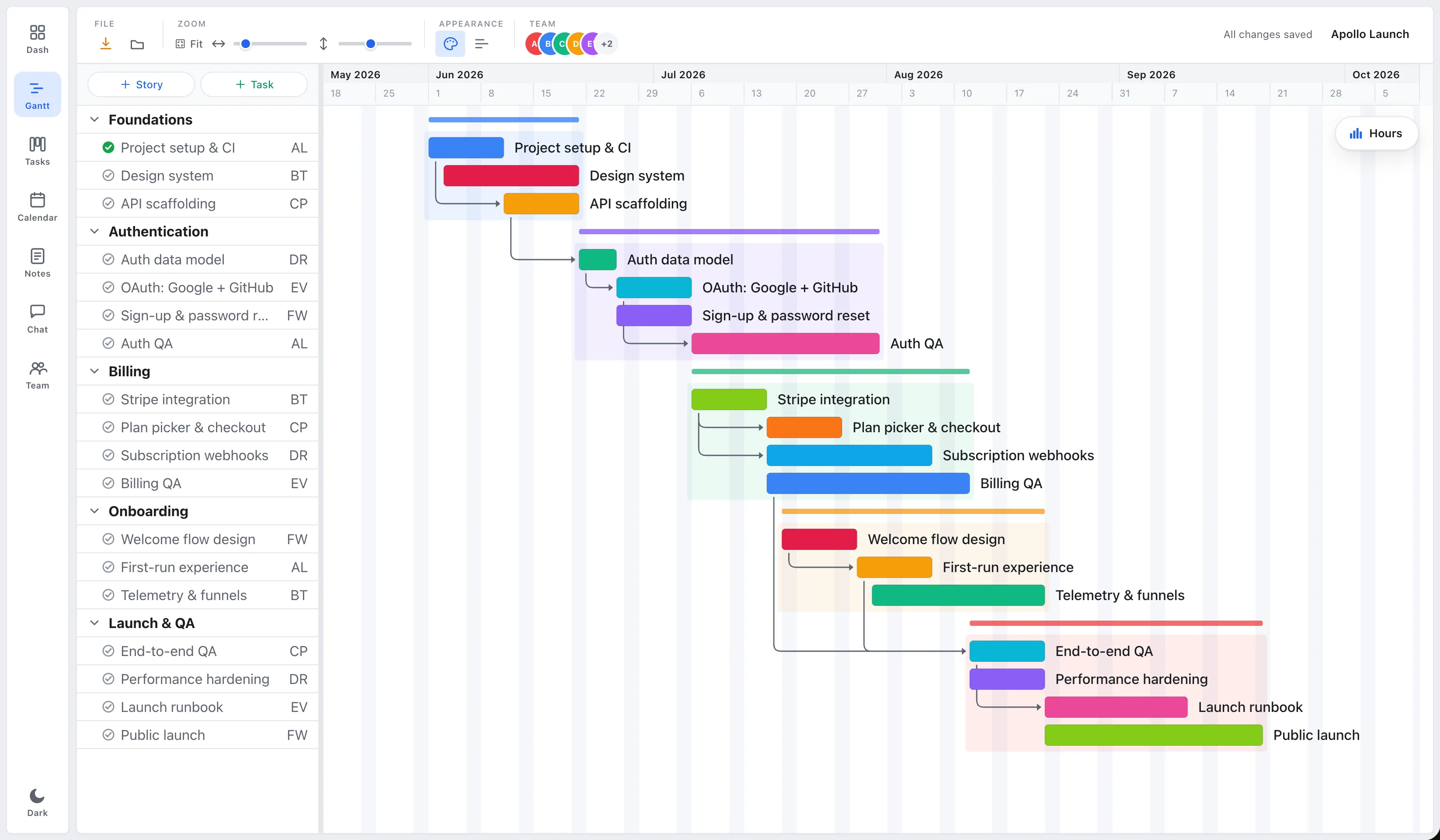
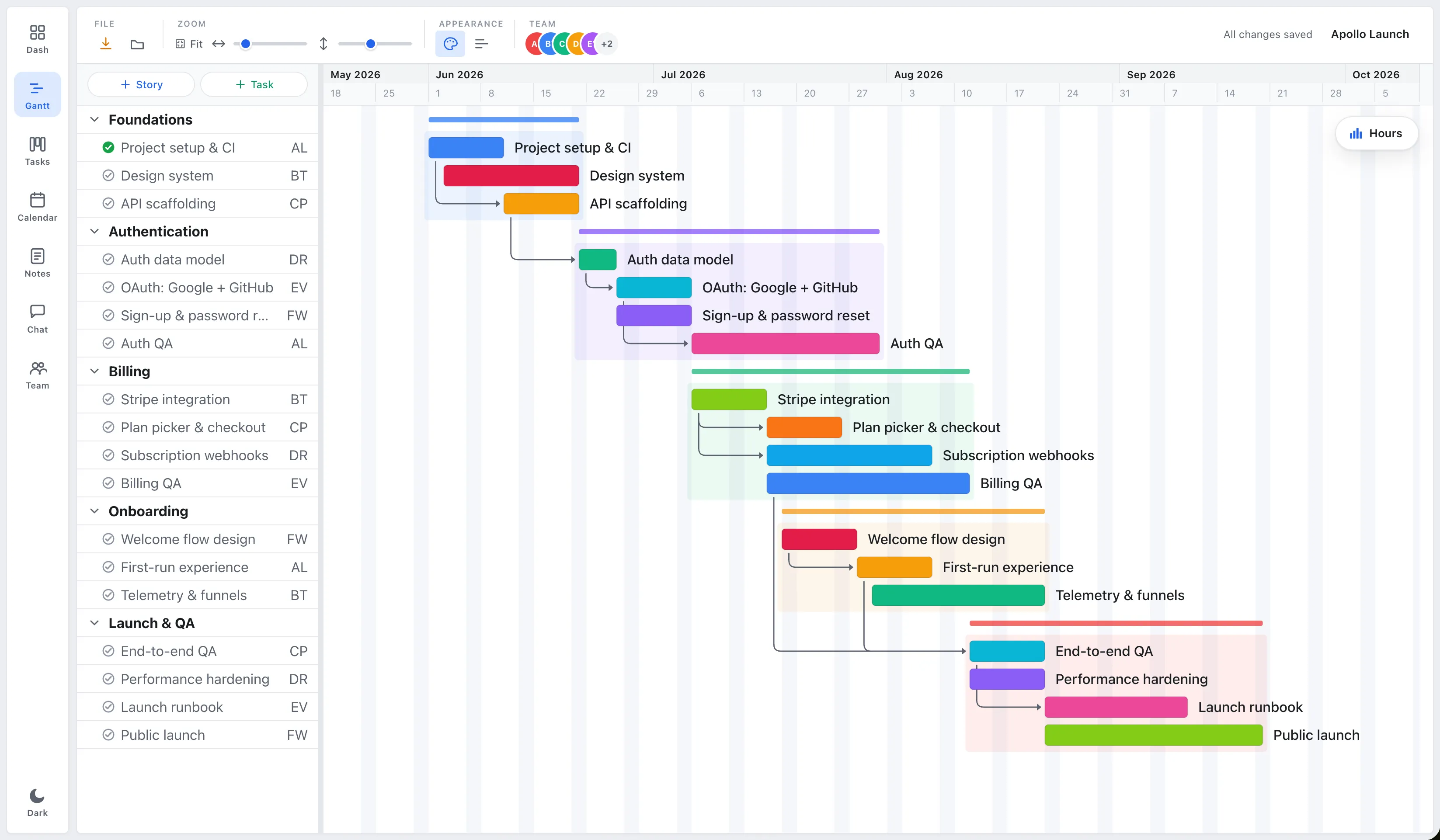
Short answer: Yes, there’s online project management software with no download at all. It runs in a browser tab on any operating system, with no install, no updates to chase, and sharing that’s a link instead of a file. The trade-off is that pure web apps need a connection. If that’s fine for your team, online and nothing-to-install is usually the easier and cheaper path.
Why skip the download at all?
Installing software sounds trivial until you multiply it across a team. Someone’s on a locked-down work laptop. Someone else is on a Chromebook the app doesn’t support. A third person is two versions behind and opening files no one else can read. None of that is project work, it’s overhead.
A browser-based tool removes the whole category of problem:
- It works on every OS. Mac, Windows, Chromebook, Linux, if it has a browser, it runs.
- There’s nothing to update. Everyone’s on the same build automatically; no version mismatches.
- Sharing is a URL. Your team opens the same live plan, not a copy emailed around. (Real-time vs. status-report project management.)
- Onboarding is instant. A new hire is in the plan the moment you send a link.
Here’s the trade laid out plainly, including the one place a desktop app still wins:
| Browser-based (e.g. EverGantt) | Desktop app (e.g. MS Project, GanttProject) | |
|---|---|---|
| Install | None, open a URL | Download + OS-specific install |
| Updates | Automatic; everyone on one build | Manual; version mismatches |
| Works on | Mac, Windows, Chromebook, Linux | Per-OS builds (some unsupported) |
| Sharing | A link to one live plan | Email a file, reconcile versions |
| Offline | Needs a connection | Fully offline |
What’s the catch with no-install tools?
The honest trade-off is connectivity. A pure web app needs the internet, so a desktop tool like GanttProject still wins if you plan projects on a plane with no Wi-Fi. There’s also a trust reflex, “if it’s not installed, is my data safe, and will I lose work if the tab closes?”
Both are fair, and both are mostly solved. Good web tools save to the cloud and keep a local buffer so a dropped connection or a closed tab doesn’t cost you unsaved work. EverGantt does exactly this, an IndexedDB crash buffer holds your edits locally and a guard warns you before you navigate away. So “nothing to install” doesn’t mean “nothing to fall back on.”
The thing actually worth checking is different: what a free web plan quietly withholds.
How to choose online project management software you won’t outgrow
Not all browser-based tools are equal. Before you commit, weigh four things, the same ones that separate a real planner from colored bars on a calendar:
- Real scheduling. Do dependencies actually shift dependent tasks when something slips, or is it a static timeline? (What a Gantt chart is for.)
- Export. Can you get a PNG, PDF, SVG, or CSV out for free, or is export watermarked or locked behind a plan?
- Free-tier limits. Project caps, user caps, and which features disappear until you pay.
- The price when you do pay. Per-seat costs add up fast on heavier suites. (Why planning software costs too much.)
Run those four checks and most “free online” tools sort themselves out quickly.
The no-install option, done simply
EverGantt is built for exactly this: open a tab, sign in, and you’re planning, scheduling with dependencies, a Kanban or scrum board, and simple tasks, all in the browser on Mac or Windows. The free tier covers building, editing, and PNG/PDF/SVG/CSV export, which run client-side. Cloud saving and real-time team editing are Pro at $3.99/user/month, among the cheapest live-collaboration options around.
Nothing to download, nothing to update, and a plan your whole team opens with a link. Start free in your browser, or see the full pricing.
Keep reading: Plan a project in your browser in 10 minutes · The easiest project management software · The cheap, no-subscription Gantt chart for Mac and Windows.
Frequently asked questions
Is there project management software I don't have to download?
Yes. Browser-based tools like EverGantt run entirely in a tab, you open a URL, sign in, and start planning. There's no app to install, no updates to manage, and it works the same on Mac, Windows, Chromebook, or Linux. Desktop apps like Microsoft Project and GanttProject still require a download and OS-specific installs.
Is browser-based project management as good as a desktop app?
For most teams it's better. You skip installs and version mismatches, everyone's on the same build automatically, and sharing is a link instead of a file. The one genuine trade-off is offline use, a pure web app needs a connection, though EverGantt keeps a local crash buffer so unsaved work survives a dropped tab.
Do I have to install anything to share a project plan online?
No. With a browser-based tool, sharing is a link, your team opens the same live plan in their own browser, no install on their end either. Compare that to desktop tools, where collaboration usually means emailing a file back and forth and reconciling versions by hand.
Can I use online project management software for free?
Often, yes. EverGantt's free tier lets you build, edit, and export plans in the browser after a free sign-up, with no payment. Cloud saving and real-time team editing are part of Pro at $3.99 per user per month. Always check what a 'free' web plan withholds, export and project caps are common limits.