
What's the easiest project management software to use? (2026)
Published June 2, 2026
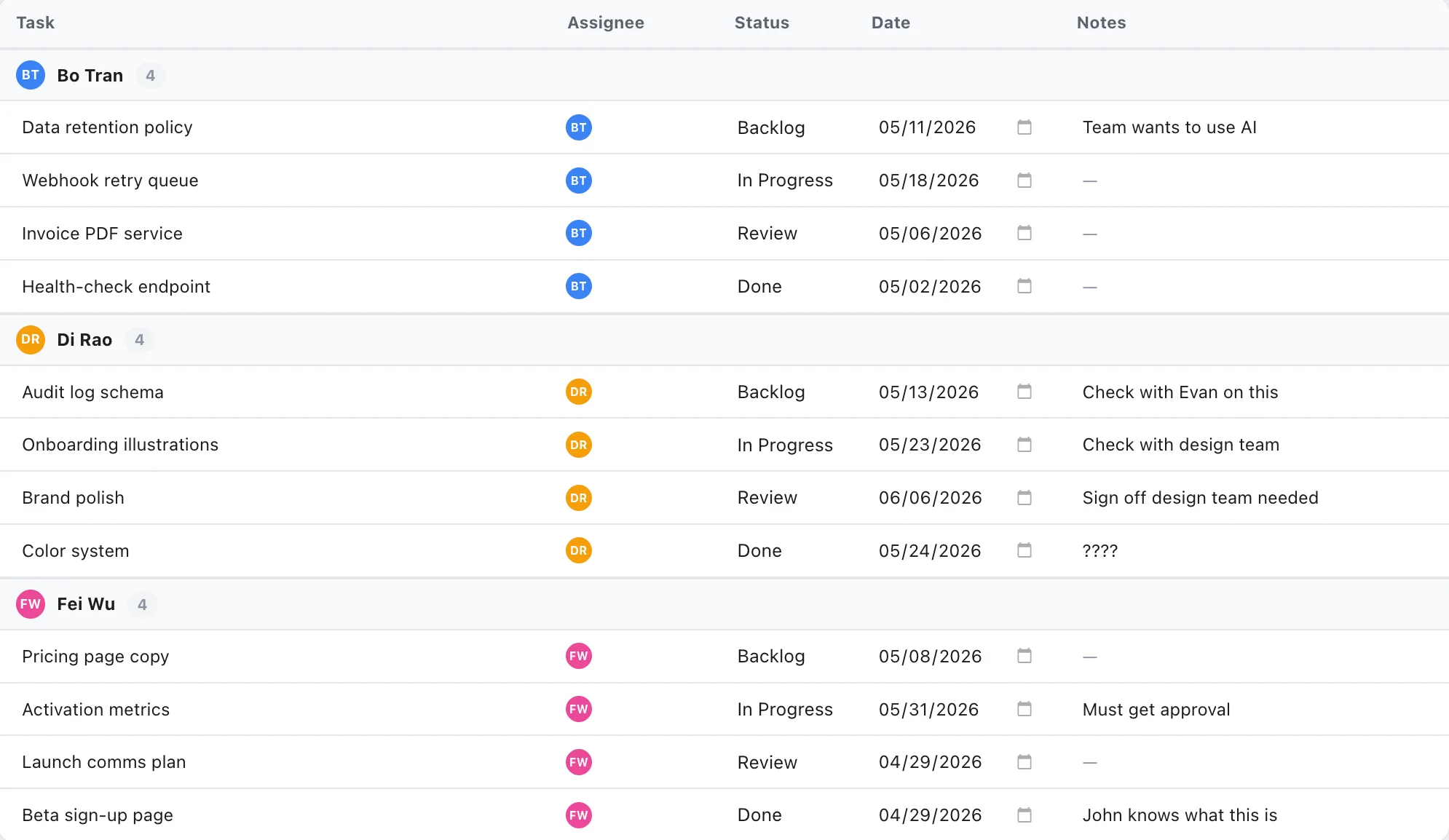
Short answer: The easiest project management software is the one your whole team will still be using in week three, not the one with the slickest demo. In practice that means it runs in the browser with nothing to install, asks for only the fields that matter, and shows the plan at a glance. The best way to judge it isn’t a feature list; it’s a 10-minute test on a real project.
What does “easy to use” actually mean?
Easy isn’t a friendly logo or a clean landing page. It’s the gap between opening the tool and getting real work done, and how small that gap stays on an ordinary day, not launch day. A tool can look simple and still be exhausting to update 40 times a week.
Three things move that gap:
- Setup cost. Can you start a real plan in minutes, or is there a workspace, a schema, and an onboarding wizard between you and your first task?
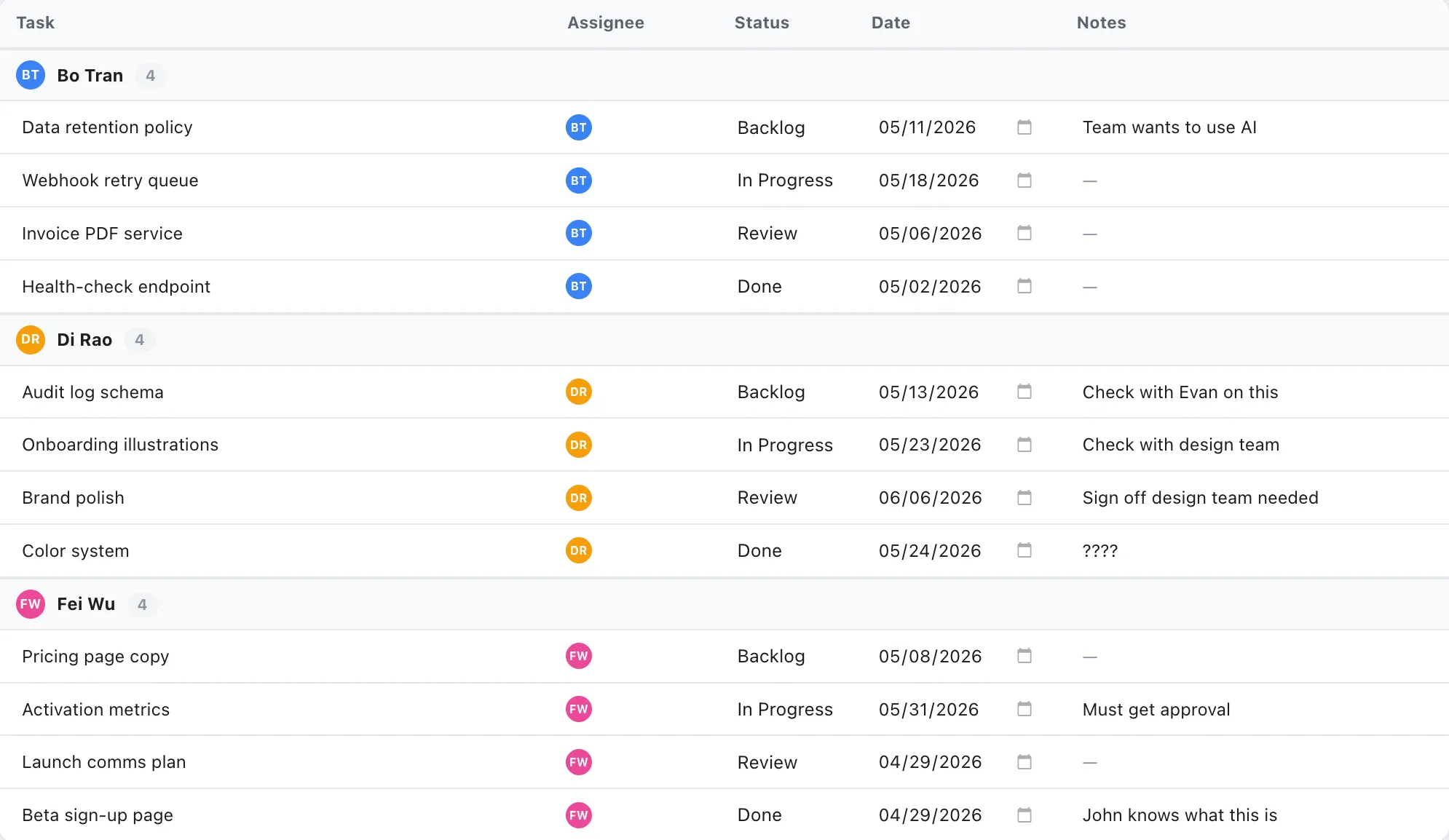
- Fields per task. Every required field is a tiny tax you pay on each update. The basics, owner, status, date, a note, cover most of it.
- Readability. Can a teammate open the plan and understand it without a walkthrough? If they need you to explain it, it isn’t easy; it’s just familiar to you.
Why “powerful” tools so often feel hard
The features that win demos are usually the ones that make daily use heavier. Custom field builders, automation rules, approval flows, portfolio rollups, each is a real answer to a real problem, but rarely a problem a five-person team has yet. They add buttons, menus, and decisions to every screen.
None of that is free, even when the feature is. A heavier tool is one people quietly route around, they update it late, or not at all, and the plan drifts out of date. The most capable platform on paper loses to the one people actually keep current. (Why teams fall back to the spreadsheet.)
So when you’re comparing tools, don’t ask “what can it do?” Ask “what will it make me do, every single day?”
The 10-minute test for ease of use
Forget the feature comparison for a minute. The benchmark that actually predicts daily use is a dull one: sign up, build one small real project, and update it the way you would on a normal Tuesday. Watch for where it makes you stop.
- Sign up and start. Did you reach a usable plan in a few minutes, or hit a setup gauntlet first?
- Add five tasks with owners and dates. Count the fields you were forced to fill that you didn’t care about.
- Change something. Move a date, mark a task done, reassign it. Did the plan update cleanly, or fight you?
- Show a teammate. Could they read it without your narration?
- Check the bill. Did the thing you just did quietly require a paid plan?
Get through that without reaching for a tutorial or hitting a paywall, and you’ve found something easy. If you couldn’t, no feature list is going to fix it. (Plan a project in your browser in 10 minutes.)
What the easy choice looks like in practice
The easiest tools share a shape: they run in the browser so there’s nothing to download or update, they keep the per-task fields short, and they let you pick how you work, a timeline, a board, or a plain task list, instead of forcing one. (The five features small teams actually use.)
EverGantt is built around that idea. You sign up and you’re planning, scheduling with dependencies, a Kanban or scrum board, and simple tasks, all in one place. There’s no suite to learn and nothing to install, it’s free for individuals, and teams are $3.99/user/month. No AI to wrangle, no fields you’ll never use.
Want to run the 10-minute test yourself? Start free in your browser, or compare pricing first.
More on simple tools: The 80% case · Why planning software costs too much · Best free Gantt chart software.
Frequently asked questions
What is the easiest project management software to use?
The easiest tool is the one with the smallest gap between opening it and getting useful work done, usually a browser-based app with no install, a short list of fields per task, and a plan you can read at a glance. EverGantt is built for that: scheduling, a board, and simple tasks, with nothing to set up.
How do I know if a project management tool is actually easy to use?
Run a 10-minute test: sign up, build a small real project, and update it the way you would on a normal Tuesday. If you needed a tutorial, hit a paywall, or had to fill in fields you don't care about, it's not easy enough. Ease shows up in the boring daily update, not the demo.
Is simple project management software powerful enough for a real team?
For most small teams, yes. The features that make tools feel 'powerful' in a demo, custom field schemas, automation rules, approval workflows, are the same ones that make them heavy to use daily. A tool that nails scheduling, a board, and basic tasks covers the vast majority of real project work.
Does easy-to-use project management software cost less?
Not always, but it should. Simpler tools have less to maintain and fewer seats to upsell. EverGantt is free for individuals and $3.99 per user per month for teams, a fraction of the $15–$30 per seat that heavier suites charge for features most small teams never open.