
What's a simple alternative to Jira for a small team? (2026)
Published June 2, 2026
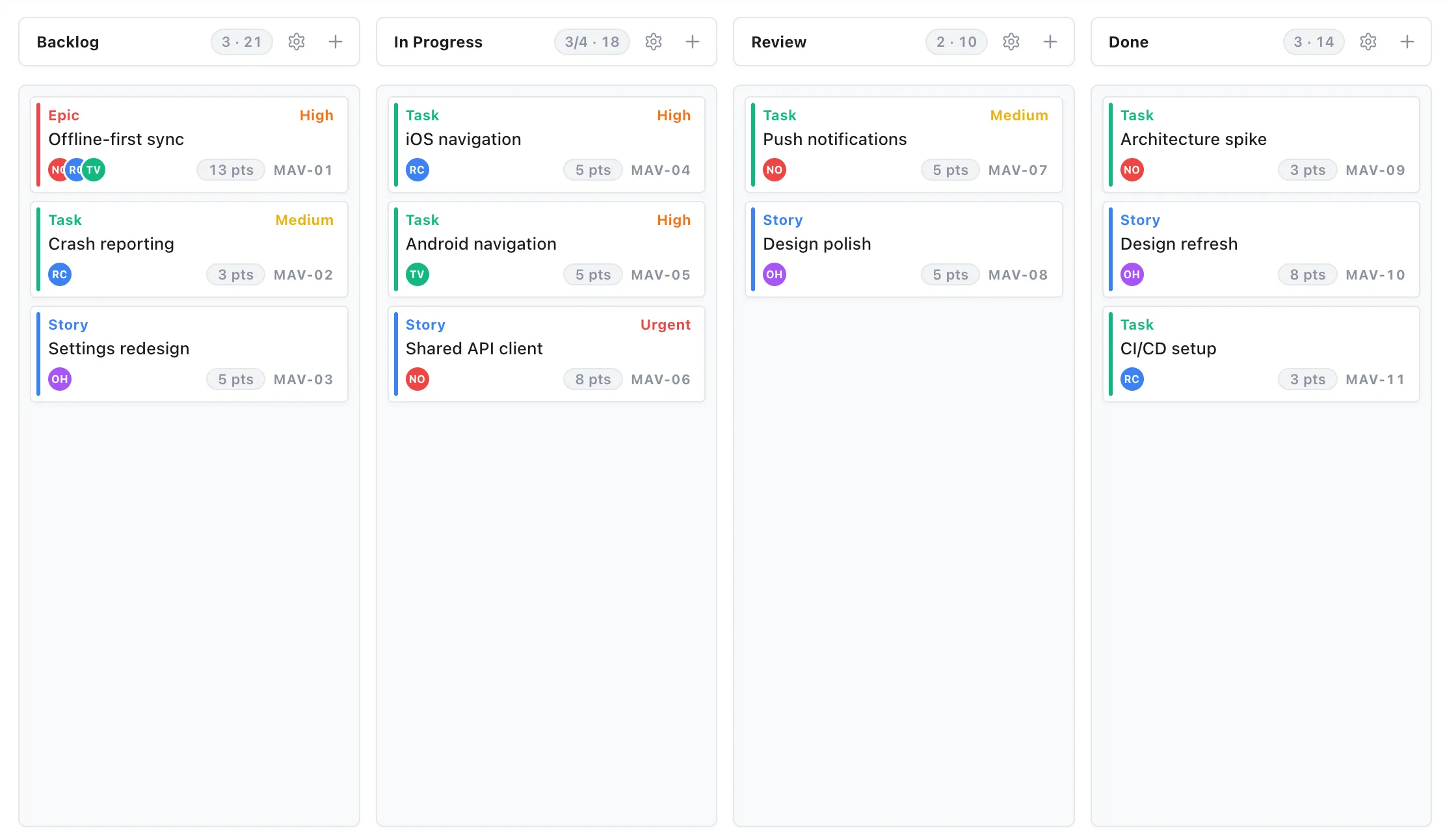
Short answer: If Jira feels like overkill, you’re probably a small or mixed-discipline team using a tool built for large software orgs. A simple Jira alternative keeps the board you like and adds a real schedule, without the projects, workflows, and permission schemes you have to configure before you can start. But be honest about it: if you live in sprints and depend on Jira’s dev integrations, Jira is still the right call.
Why Jira feels too heavy for small teams
Jira isn’t bad software, it’s software built for a different size of problem. Its defaults assume custom workflows, issue type schemes, permission roles, and a backlog discipline that pays off at 50 or 200 engineers. At five people, that same power lands as setup overhead and daily friction.
It tends to play out the same way: the team spends its first week configuring instead of planning, then spends every week after that working around the parts it didn’t need. The tool ends up heavier than the work it’s tracking, and that’s exactly when adoption starts to slip. (Why teams fall back to the spreadsheet.)
There’s also a fit problem. Jira is issue-tracking first and scheduling second. If your work is as much about when things happen as what the tickets are, launches, client timelines, dependencies, you’re using a bug tracker to do a planner’s job.
What should a simple Jira alternative actually do?
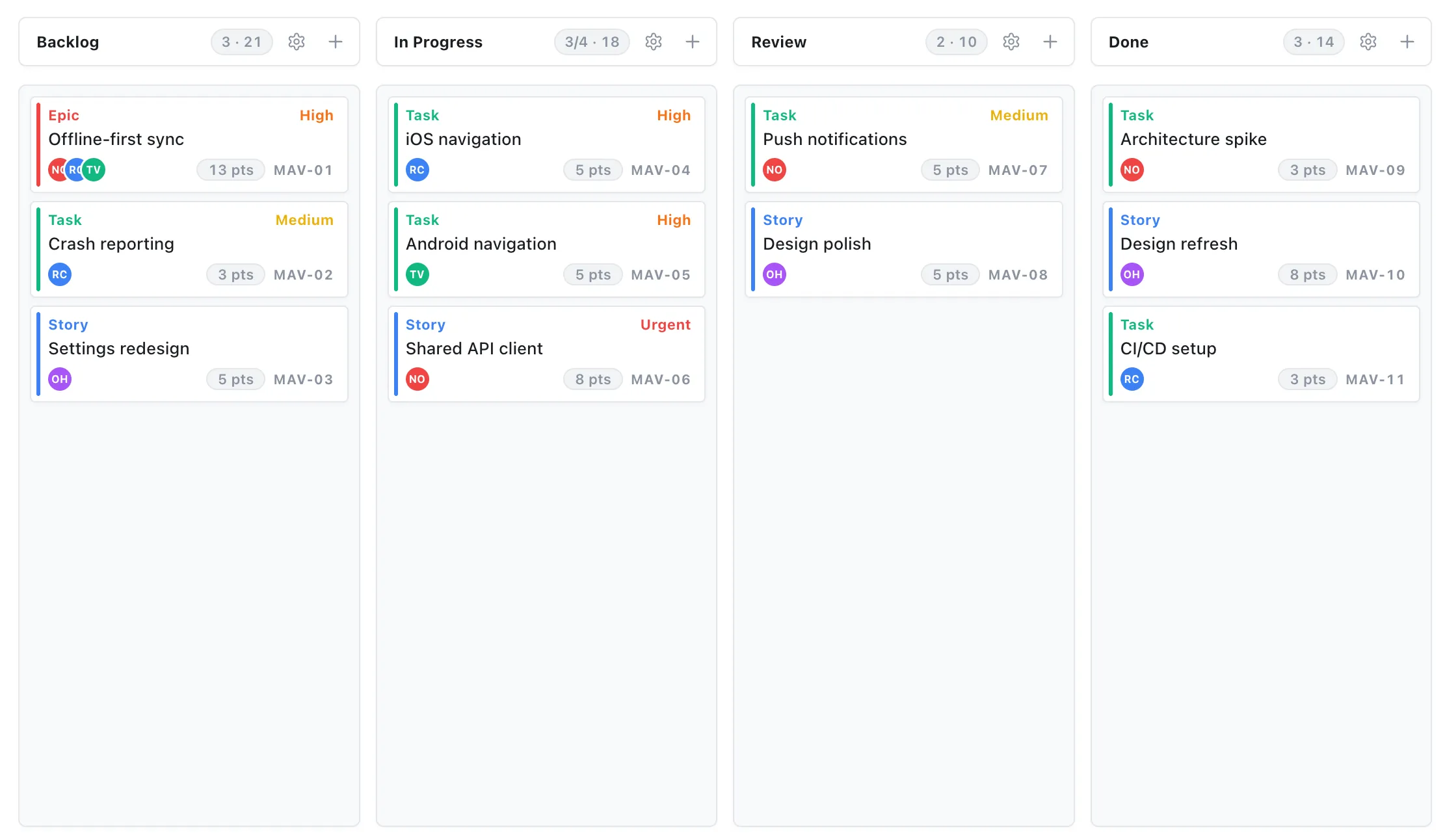
A lighter tool shouldn’t just be “Jira with fewer buttons.” It should cover the work small teams really do, which is usually a board plus a timeline, not one or the other. Look for:
- A board with no setup. Kanban or scrum that works out of the box, with WIP limits if you want them, not a workflow editor you configure first.
- Real scheduling. A Gantt timeline where dependencies shift dependent tasks automatically, so you can see what slips when something’s late. (What a Gantt chart is for.)
- Short task fields. Owner, status, date, a note. That’s most of “issue tracking” for a small team.
- One shared plan. Everyone editing the same live source of truth, not scattered across trackers. (Why one source of truth beats more tools.)
- A price that fits a small team. Per-seat costs are where simple should also mean cheap.
If a tool gives you the board and the schedule together, with no admin to learn, you’ve replaced most of what your team used Jira for.
Side by side, the difference is less about features and more about weight:
| Jira | Simple alternative (e.g. EverGantt) | |
|---|---|---|
| Built for | Large, sprint-heavy software orgs | Small, mixed-discipline teams |
| Setup | Workflows, issue schemes, permissions | Open a tab and start, no config |
| Strength | Deep issue tracking + dev integrations | A board and a Gantt schedule together |
| Learning curve | Steep; usually needs an admin | Minutes; no admin |
| Price (2026) | Free tier, then per-seat paid tiers | Free for individuals; $3.99/user/mo for teams |
Pricing as of 2026, check each tool’s current plans, since tiers change often.
Be honest: when Jira still wins
A fair comparison admits where the heavier tool is the right one. Don’t switch off Jira if:
- You’re a larger software team that lives in sprints and leans on Jira’s deep backlog, estimation, and reporting.
- You depend on its ecosystem, Bitbucket, GitHub, CI/CD, release management, and the marketplace of dev add-ons.
- You genuinely need its issue-tracking depth, complex workflows, custom issue schemes, granular permissions across many teams.
Jira earns its complexity at scale. The question isn’t “is Jira good?”, it’s “is my team the size and shape Jira was built for?” For a lot of small, mixed teams, the honest answer is no.
The simpler option
EverGantt is built for the team that wants a board and a real schedule without the setup. You open a tab, sign in, and you’re planning, a Kanban or scrum board, a Gantt timeline with dependencies, and simple tasks, all in one place. Nothing to install, no workflows or permission schemes to configure, and no AI to wrangle.
It’s free for individuals, and teams are $3.99/user/month, well under what per-seat suites charge once you’re past their free tier. (Why planning software costs too much.)
If Jira’s been feeling like more tool than you need, start free in your browser and run a real project through it, or compare pricing first.
More comparisons: EverGantt vs Asana · vs monday.com · vs Microsoft Project · The 80% case: what small teams actually use.
Frequently asked questions
What is a good simple alternative to Jira for a small team?
If Jira feels too heavy, look for a tool that gives you a board and a real schedule without the setup, projects, workflows, and permission schemes you have to configure first. EverGantt offers a Kanban or scrum board plus Gantt scheduling in the browser, with nothing to install and no admin to learn, free for individuals and $3.99 per user per month for teams.
Why do small teams find Jira too complicated?
Jira is built for large software organizations, so its defaults assume custom workflows, issue schemes, permission roles, and a backlog discipline most small teams don't need yet. The power that suits a 200-engineer org becomes setup overhead and daily friction for a team of five, the tool ends up heavier than the work.
Is there a free alternative to Jira?
Yes. Jira itself has a free tier for small teams, and so do several alternatives. EverGantt's free plan lets you build, edit, and export project plans in the browser with no payment; team collaboration and cloud saving are Pro at $3.99 per user per month. Always check what each free plan withholds before relying on it.
When should you stick with Jira instead of switching?
Stay on Jira if you're a larger software team that lives in sprints, depends on its deep issue tracking, or relies on its ecosystem of dev integrations like Bitbucket, CI/CD, and release tooling. Jira earns its complexity at scale. A simpler tool wins when you're small, mixed-discipline, or planning more than you're issue-tracking.